To place an order and support a climate action project, you will first need to sign in so that the order is correctly attributed to your property.
- Click on “Sign in” in the top banner
- Select the “Login via identity provider” option.
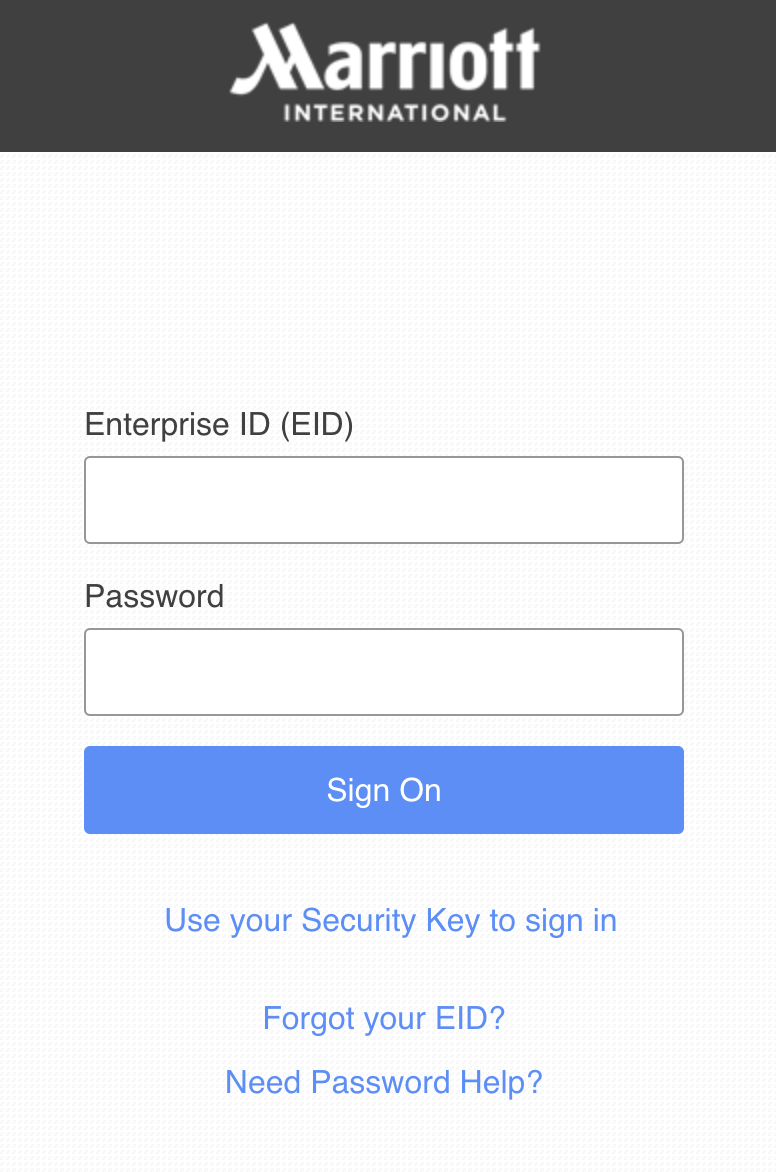
- A new tab will open and prompt you to fill in your Marriott credentials.
- If the information you inputted is correct, the tab will automatically close and bring you back to the shop.
In case you are linked to several properties, please make sure you fill in the credentials of the property where the event for which you just calculated the carbon footprint took place. The property information you use here should always match that used in the MIR tool.
If you need to place an order for a different property when you’re done after this first order, just click on “sign out” in the top banner and go back to the MIR tool to fill in the new event information, start the process again.
If this is your first time logging in but other users from your property have already logged in before you, or if you have logged in before, you will not be required to fill in property information, as this has already been done.
After you have provided correct Marriott credentials to log in, you will be taken back to “My account” page on the shop. Your property’s MARSHA code, your own user information and calculated event footprint have been carried over from the MIR tool, so you are ready to place your order.